

MMS Design · Learning library
Practical tutorials.
More confidence in every design.
Learn a new workflow or solve the task in front of you. Explore illustrated IrriMaker and Model Maker guides, from your first irrigation block to clearer plans and reports.
28 tutorial entries7 topic groupsFree PDF guides
Start Here
Build your skills with the five-part IrriMaker series.
5 guides
Start Here
Build your skills with the five-part IrriMaker series.
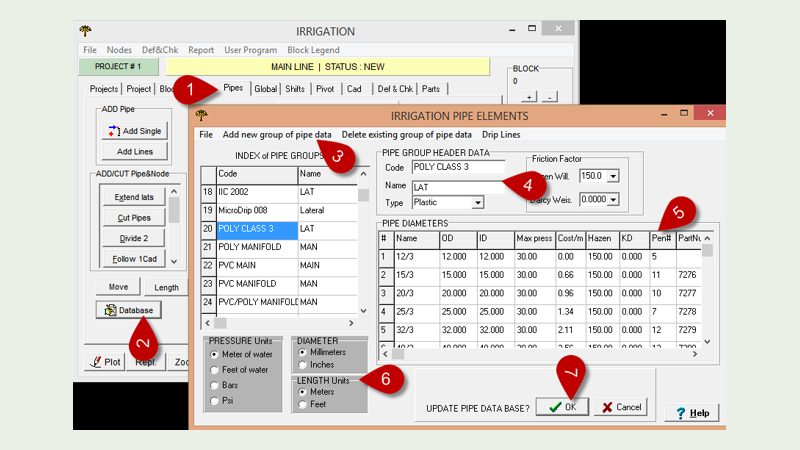
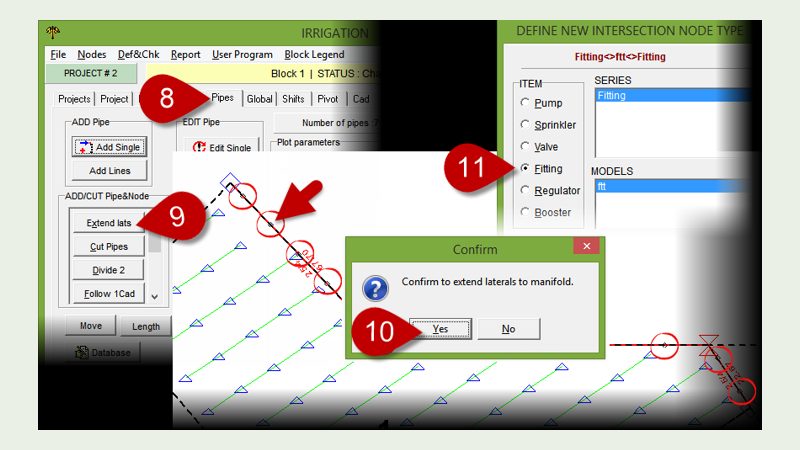
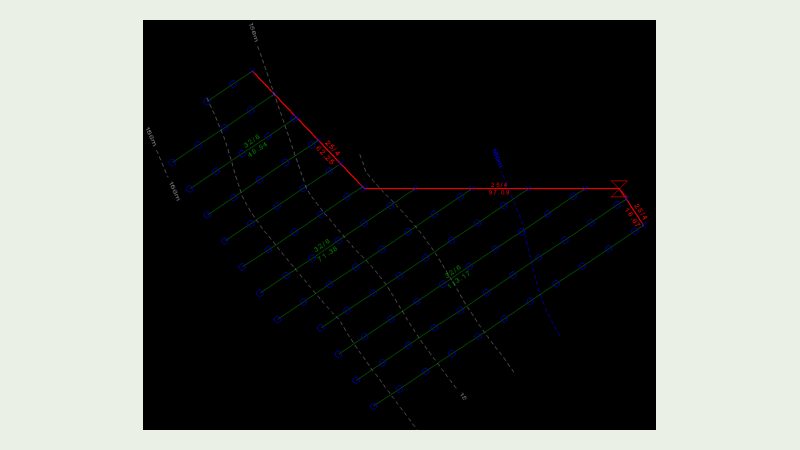
Part 4 · Pipe-sizing principles
Understand the hydraulic principles behind in-field pipe sizing.
Open PDF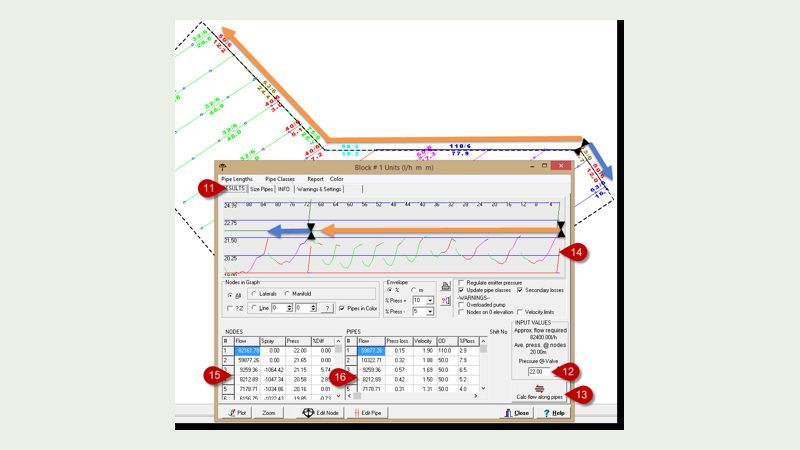
Follow along with Part 1: Download the sample project (ZIP)
General
Everyday design, CAD, reporting and coordinate workflows.
14 guides
General
Everyday design, CAD, reporting and coordinate workflows.
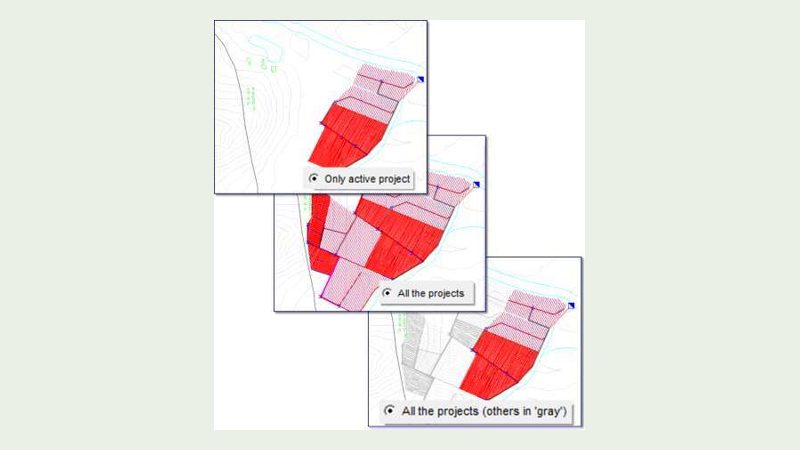
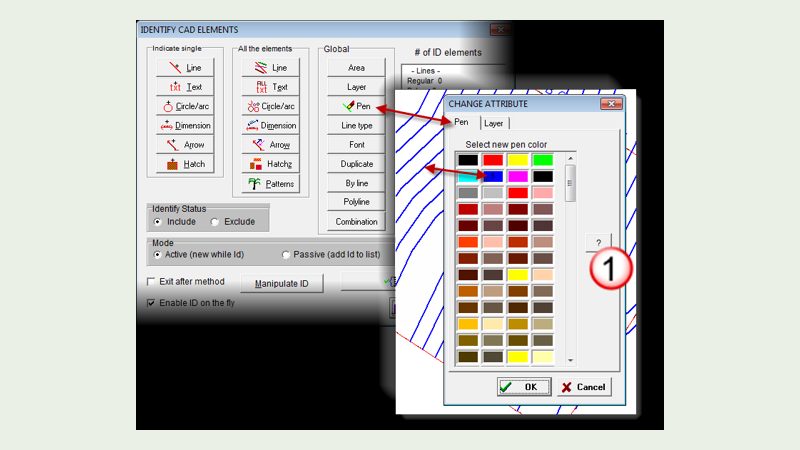
Combine multiple irrigation MIR files
Bring several irrigation projects together in one working file.
Open PDF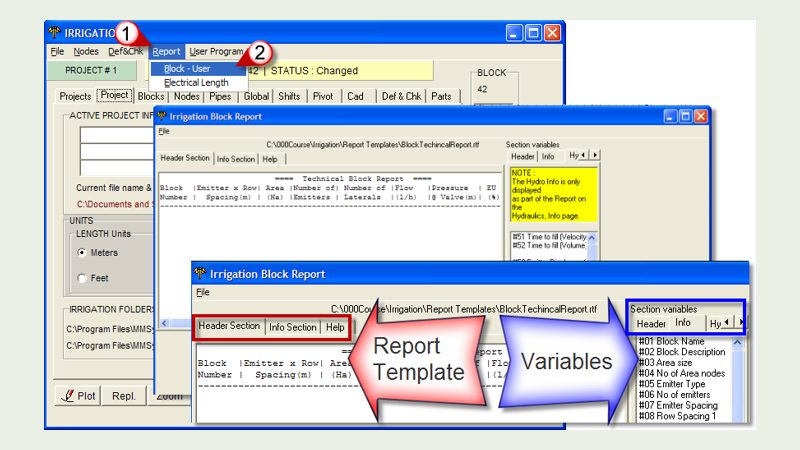
Build your own irrigation reports
Choose report fields and build a layout for your project information.
Open PDF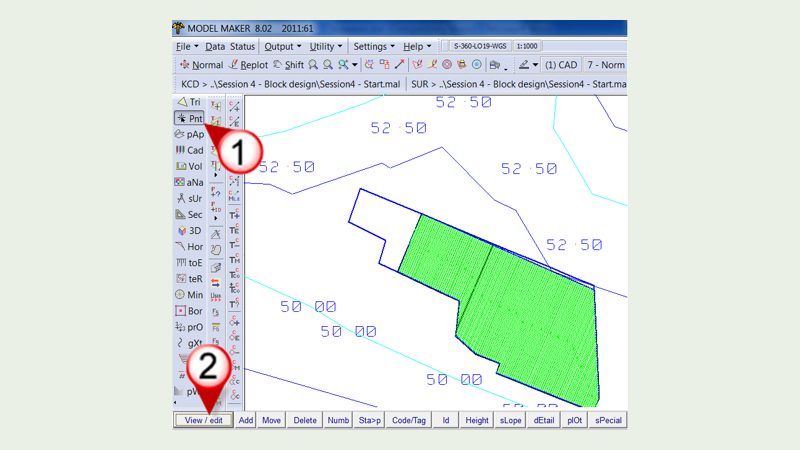
Shift and rotate old projects to GPS coordinates
Move a local project onto GPS coordinates using reference points.
Open PDF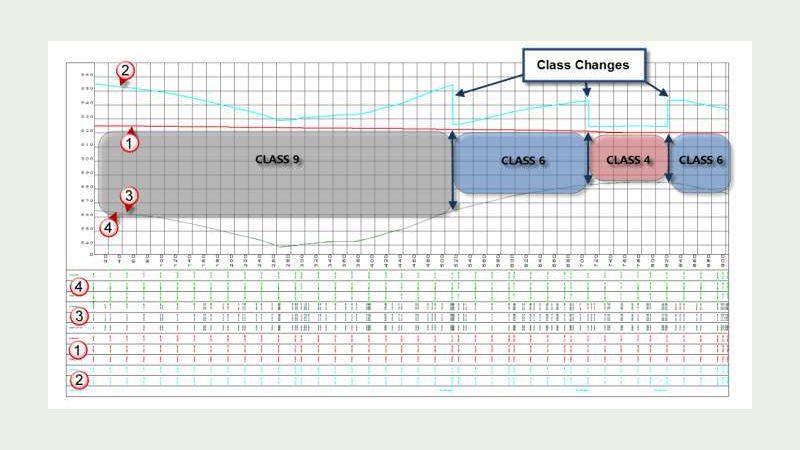
Long sections with hydraulic gradient
View the mainline hydraulic gradient in a long-section profile.
Open PDF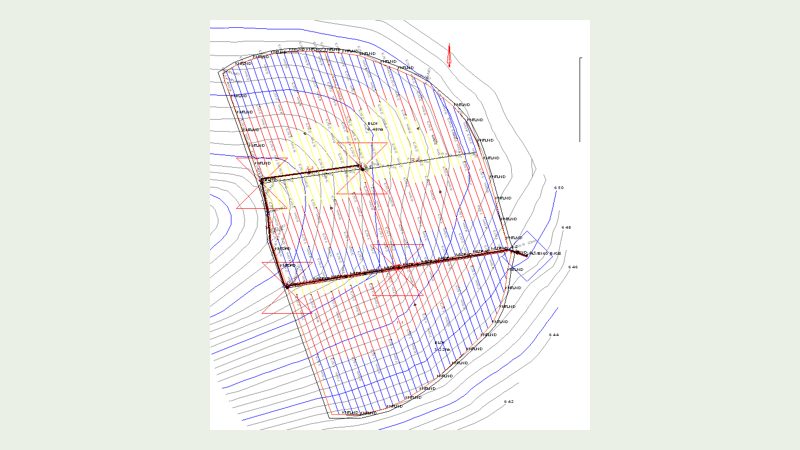
Import your WCADI and other designs
Bring a WCADI DXF drawing into Model Maker as a basis for a design.
Open PDF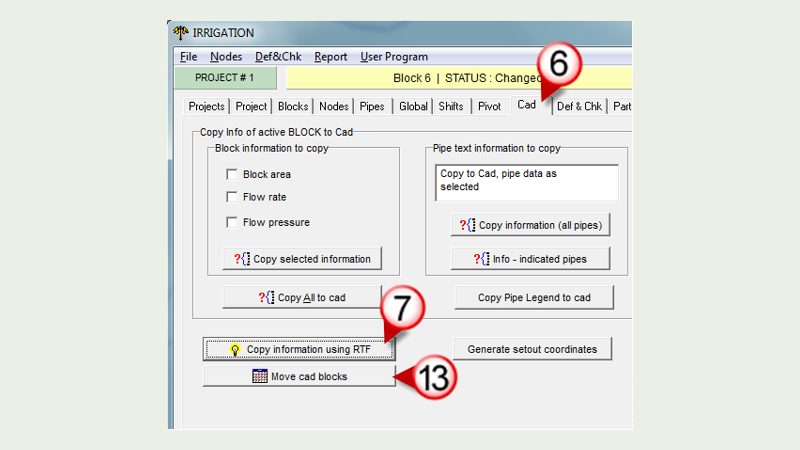
Add custom detail blocks to your irrigation plans
Use CAD tools to add custom details to your irrigation plans.
Open PDF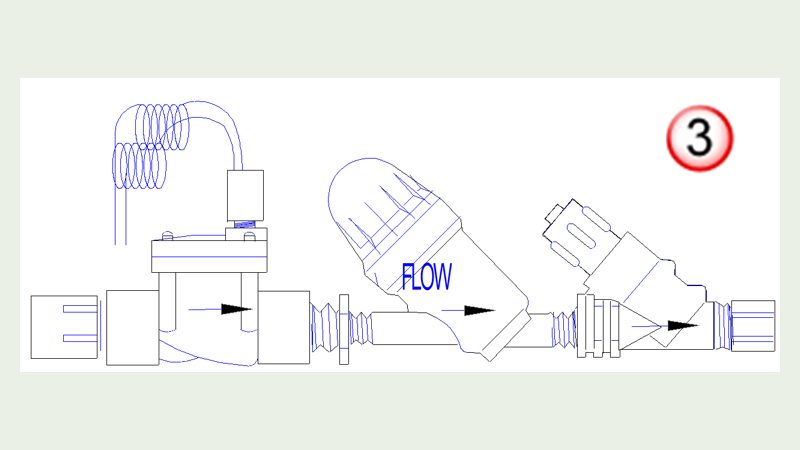
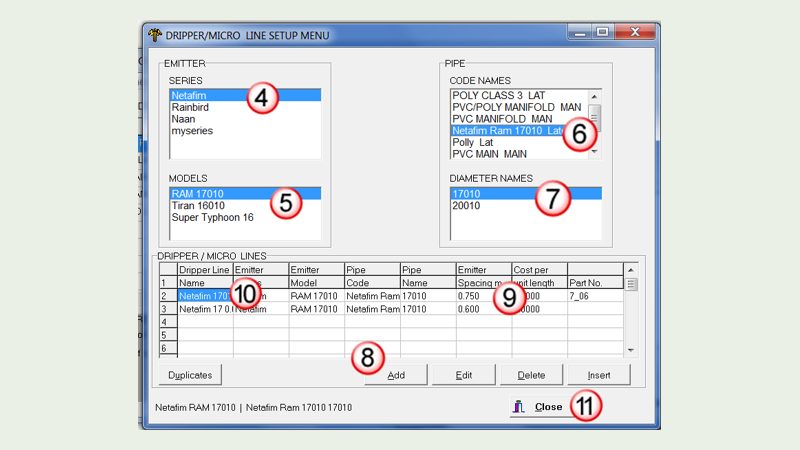
create circular irrigation laterals
Use CAD circles as a starting point for circular irrigation laterals.
Open PDF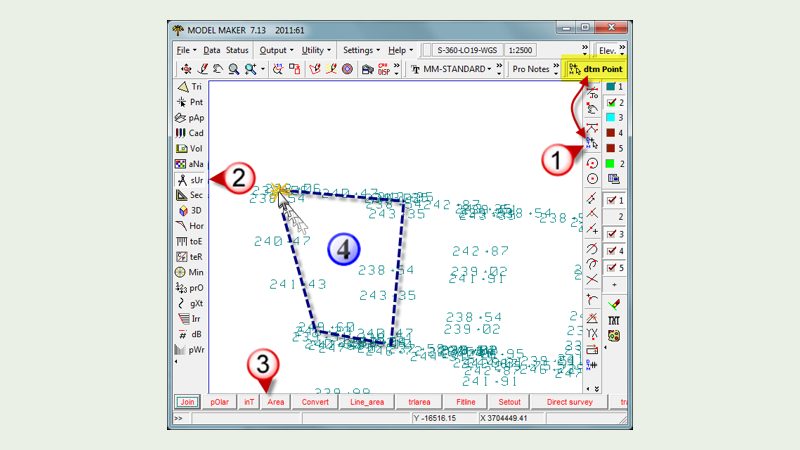
Load Garmin MapSource into Model Maker and calculate an area
Transfer Garmin MapSource data and calculate an area in Model Maker.
Open PDF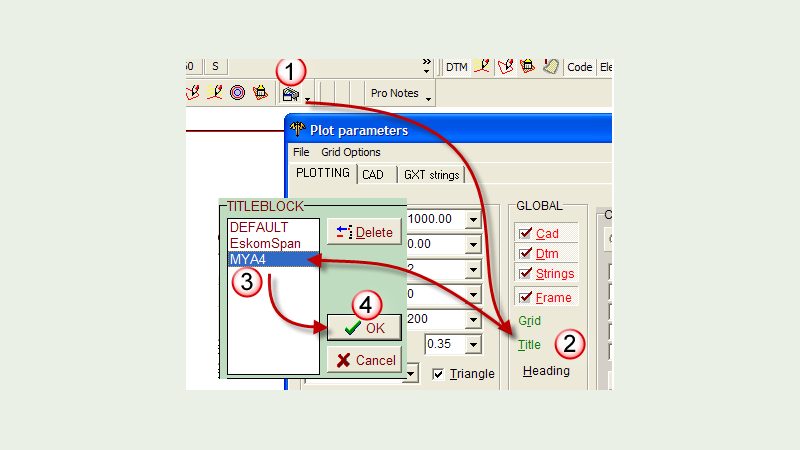
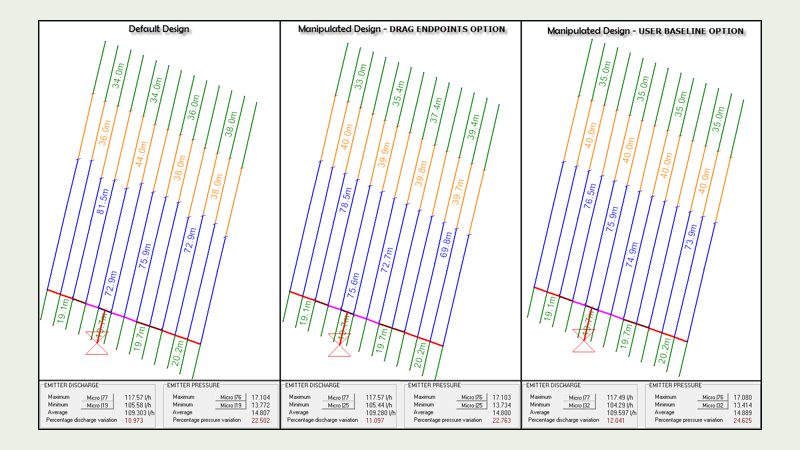
Neaten up lateral designs for installation
Review lateral pipe lengths to simplify installation layouts.
Open PDF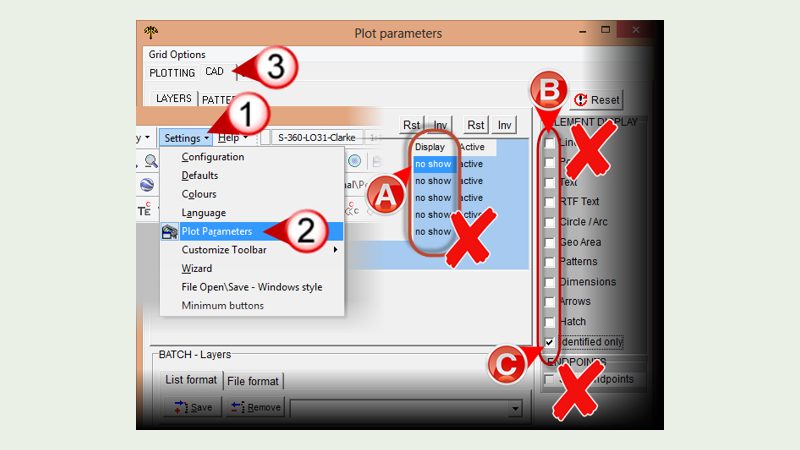
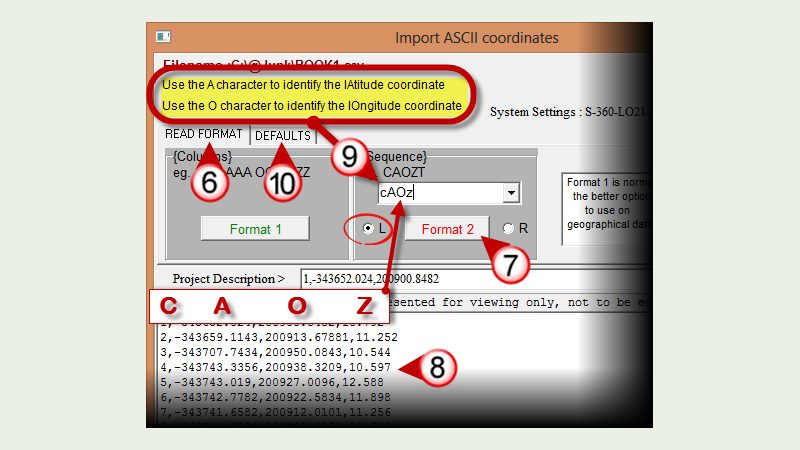
import geographical coordinates (LAT/LON)
Import latitude and longitude data into an IrriMaker project.
Open PDF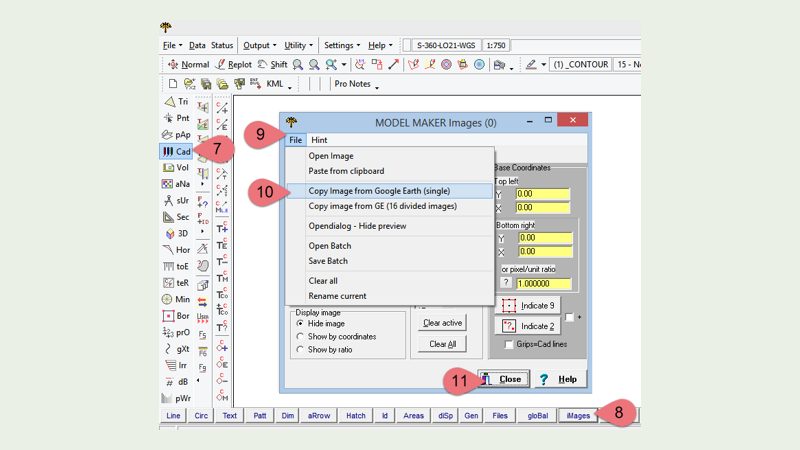
Google Earth
Bring mapping context into your work and share your designs.
3 guides
Google Earth
Bring mapping context into your work and share your designs.
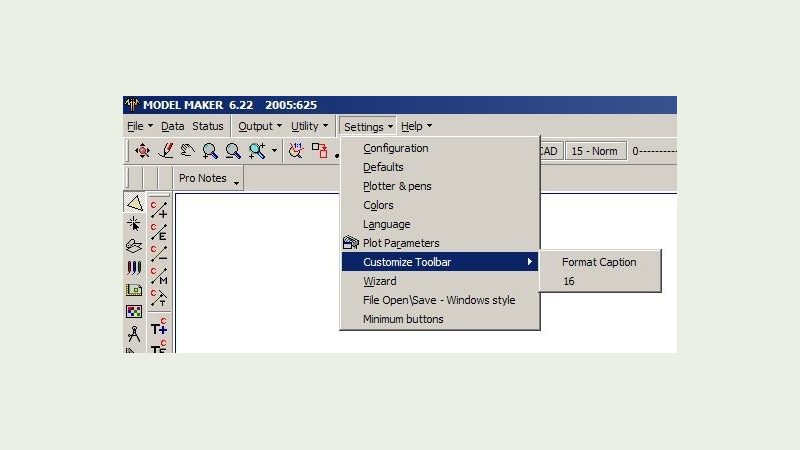
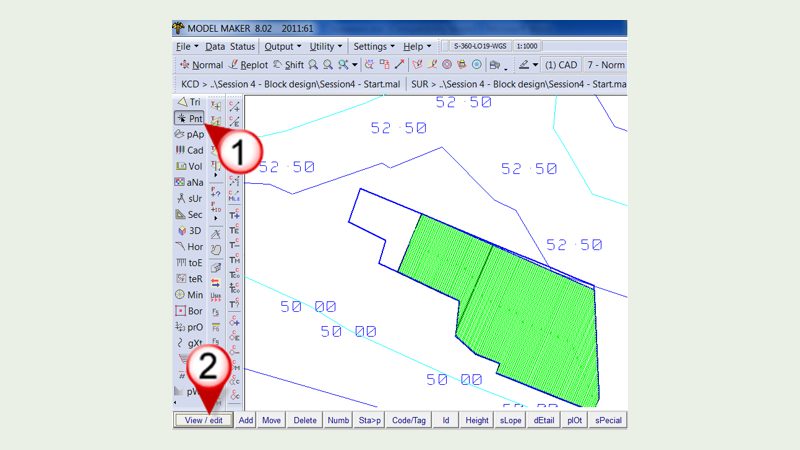
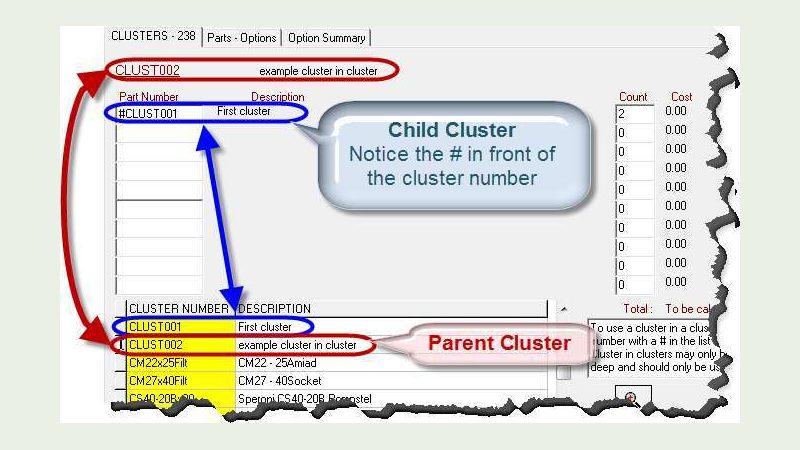
Database
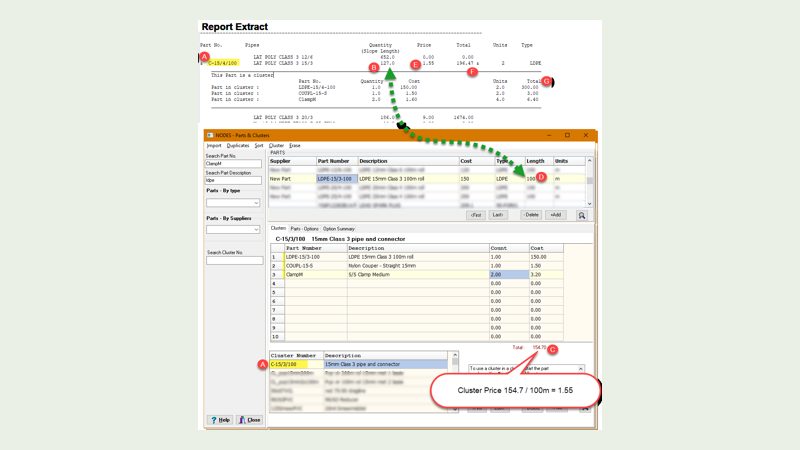
Organise parts and turn design information into a bill of materials.
3 guides
Database
Organise parts and turn design information into a bill of materials.
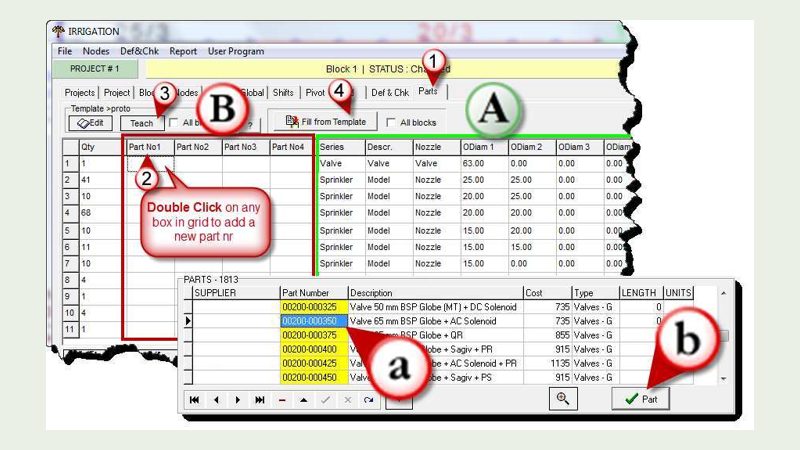
Pivots
Explore pivot placement and terrain considerations.
1 guide
Pivots
Explore pivot placement and terrain considerations.
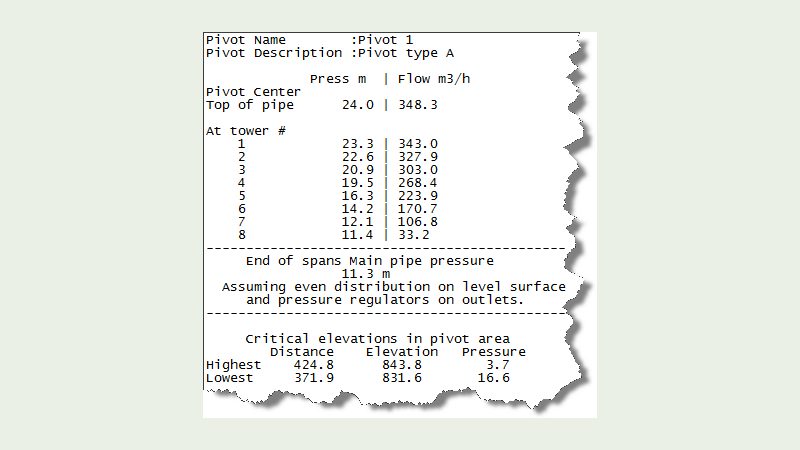
Introduction to the PIVOT design tool
Assess pivot placement, ground slope and span clearance.
Open PDF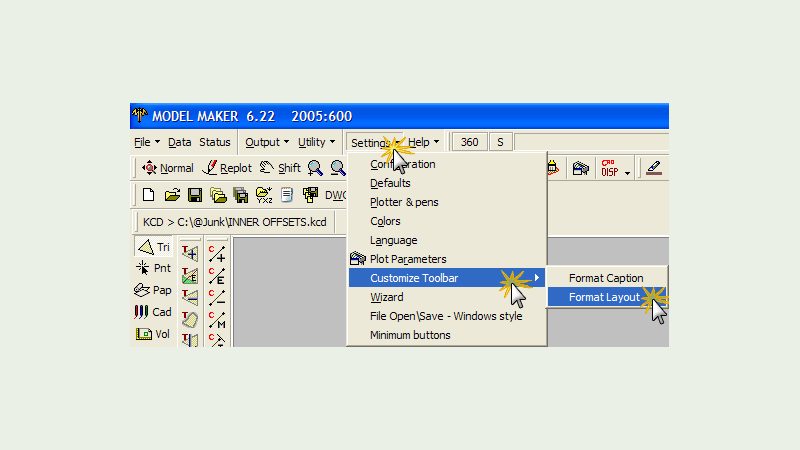
Turf Tool
Get started with landscape and turf layout tools.
1 guide
Turf Tool
Get started with landscape and turf layout tools.
Volumes
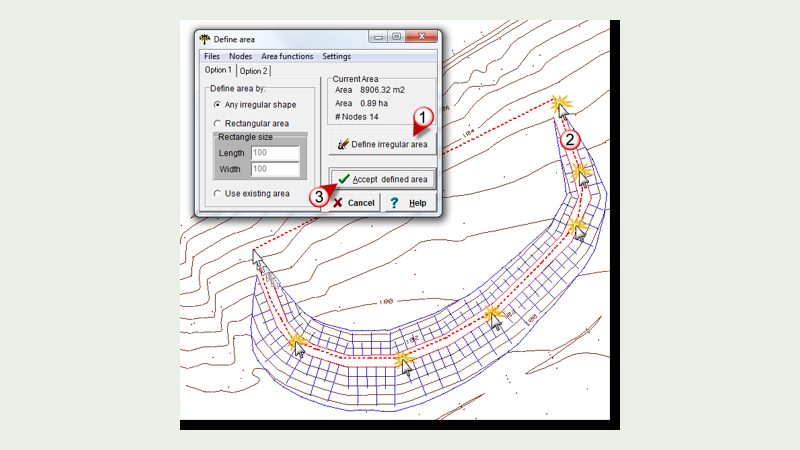
Turn your surveyed dam model into a storage calculation.
1 guide
Volumes
Turn your surveyed dam model into a storage calculation.
PDF guides open in a new tab so you can keep this library open. These illustrated guides cover established workflows. Screens and menu names may differ in your software version. Ask MMS Design for help or explore practical training.
SABI D2 & D5 data
Already attending or completed a course? Find your practice data here.
SABI D2 course data
Request the D2 dataset from MMS Design. Include your course details so we can send you the appropriate files.
Request D2 data →SABI D5 course data
Download the IrriMaker practice files used for the SABI D5 course.
Download D5 data (ZIP) ↓Model Maker Systems develops Model Maker and IrriMaker. MMS Design is the authorised reseller for the Cape regions of South Africa, providing advice, training and support.
